
Manage files & availability
Inspect datasets, preview source files, and publish or hide knowledge.
Open a dataset
Choose More.. → File Management. Each dataset card shows its name, file count, total size, and linked AI Agents. Select Open dataset to browse its files.
Find and preview a file
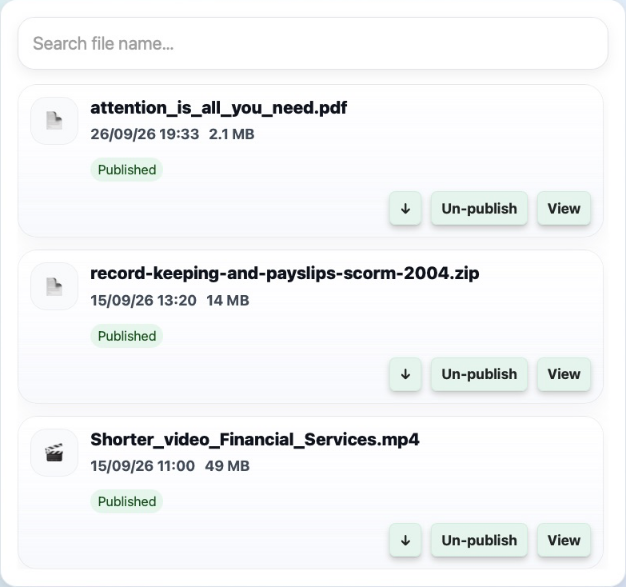
Use Search file name to narrow the list. Each file shows its name, date, size, and publication state. Select View to open the preview, or the download arrow to retrieve the original file.
Preview navigation depends on the format. See PDF pages, audio and video, and SCORM courses.
Publish or hide a file
Un-publish hides a published file from users. Publish makes an unpublished file available again. This changes its availability; it is different from permanently removing the file.
Check which agents share the dataset before changing a file’s availability. Existing answers in chat history may still refer to sources that are no longer available.
Use Data Import to add or refresh knowledge. Use Talvi Data Cleaner when you need to review duplicate or unwanted files for deletion.