
Inspect answers & sources
Move from a short answer to the original evidence without leaving Get Answers.
Open More details
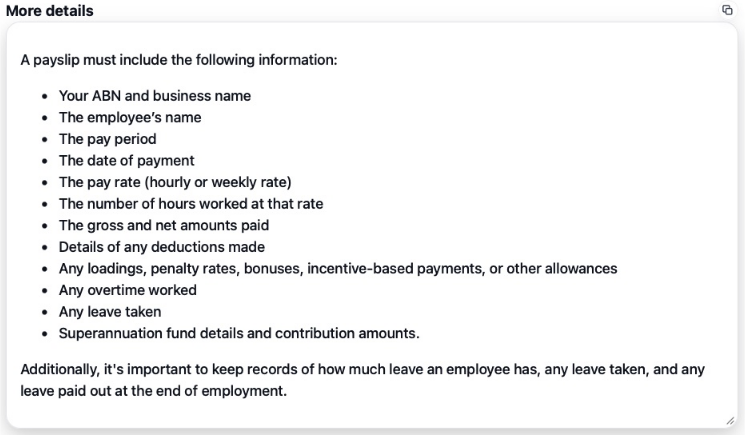
After selecting an answer, find View Sources beneath the composer. Select More details to show the fuller response. Select it again to hide the panel. The copy button in that panel copies its text. More details is generated explanation; a source chip opens the original material.
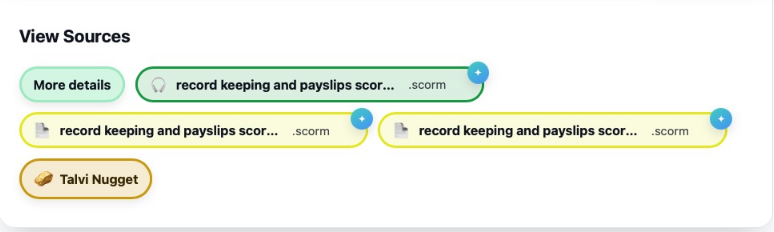
Open a source chip
Select the main body of a source chip to open its viewer. The chip shows a file name/type and may represent a precise part of that file. A long name may be shortened on screen. Multiple chips for one file can identify different matching locations.
Use the expand control to enter the viewer’s fullscreen mode, and its close control to return to the conversation. On long pages, the floating Scroll to top button helps you return to the chat.
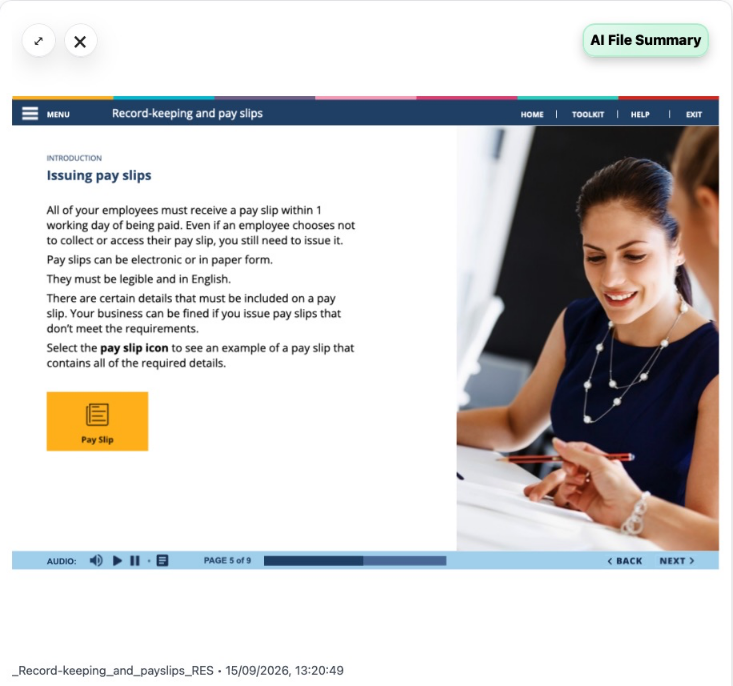
Use AI File Summary
- Open a source.
- Select AI File Summary in the viewer.
- Wait for the summary sections to appear.
- Use a section’s navigation button, where available, to move to its page, slide, time, or lesson section.
- Select Download for a PDF summary, or Close to return to the wider viewer.
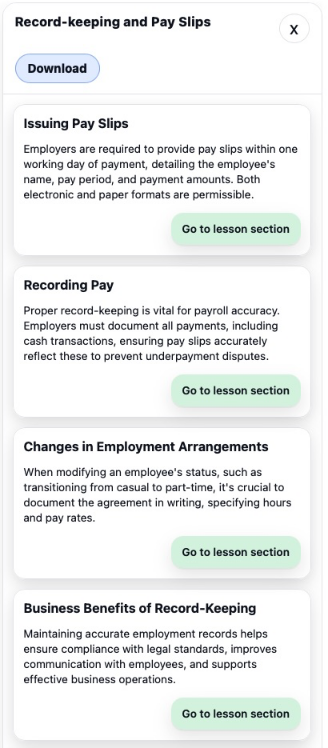
The summary describes the file; it can cover more than the specific passage used for your answer. Check the original section before relying on a generated summary. Navigation links depend on usable location information in the source.
What opens where?
| Source | Expected navigation |
|---|---|
| Opens at the referenced page; a matching passage may be highlighted. | |
| PowerPoint | Converted to PDF for preview, then opens at the referenced slide/page. Conversion may take time. |
| Word DOCX | Opens a rendered document preview and can highlight matching text. |
| EPUB | Opens a paged preview with previous/next buttons and a page-number field. |
| Text or Markdown | Opens text with matching content highlighted when available. |
| Audio or video | Opens the player at the relevant time when a timestamp is supplied. |
| SCORM learning package | Opens the targeted learning location where the package supports it. |
| Other files | May offer Open file instead of an inline preview. |
Read the detailed guides to PDF navigation, audio and video, SCORM, and supported file types. To ask about the selected source rather than the wider knowledge base, use Talvi Coach.
If the source will not open
Check that your session is still active, then reopen the source. If it remains unavailable, record the file name, agent, and question for support. An answer in history does not guarantee its source file is still available. For a large presentation or course, allow loading/conversion to finish before retrying.